

WhatsApp Business: what it is and how it works
WhatsApp Business is an application designed for professionals who want to use a messaging app to reach their customers and collaborators in a smart, easy and fast way. In short, the goal of the WhatsApp Business application is to simplify interaction between people, at the professional level too.
Almost all of us are used to using the most popular instant messaging app in the world. The business version of WhatsApp, however, is designed for companies: it was built to offer a useful service to business owners and to allow companies to interact more efficiently with their customers while managing their business from a smartphone.
Let’s take a closer look at how this new application can come in handy and how to start using it effectively right away.
Table of Contents
The main features of WhatsApp Business
WhatsApp Business is a completely free service that lets you stay in touch with customers at no additional cost compared to the private service. In addition, the service provider is verified.
One of the primary benefits stemming from an intrinsic feature of WhatsApp Business is that it reduces the expenses of a small business by eliminating the costs associated with instant messaging services.
It follows that the main function of WhatsApp Business is to create business profiles that will help customers obtain additional information about services and products, directly request an appointment or ask about the business’s opening hours.
All of this can help add authenticity and lets users know that you are also available directly. If, however, you don’t want to always be available and online, in WhatsApp Business you can set up automatic replies or welcome messages that introduce customers to the business. Ideal also for away messages during off hours.
Why switch to WhatsApp Business
WhatsApp Business is chosen above all by those companies that want to be able to use data to better understand their customers’ choices and offer better services.
In fact, the messaging statistics regarding the number of messages sent, delivered and read can enable a company to adjust its communication and lead strategy and improve its service offering.
The most common fear when using WhatsApp is having to always be available or having your private life invaded. In reality, WhatsApp Business should not be used with your private WhatsApp mobile number, but with a dedicated business number. It is in fact a separate app designed for the communication of micro and small businesses and it can also be used through a landline number. Once installed, as mentioned, you can set up automated reply systems, so you can then get back to customers calmly. Automatic messages are the most appreciated advantages and are considered indispensable automation services for any company.
The ideal would be to have a phone with dual SIM, one personal and one for work, for maximum convenience.
It should also not be forgotten that WhatsApp Business, just like the private one, is also available in web mode, to manage the service online without a mobile app.
Creating a WhatsApp Business profile
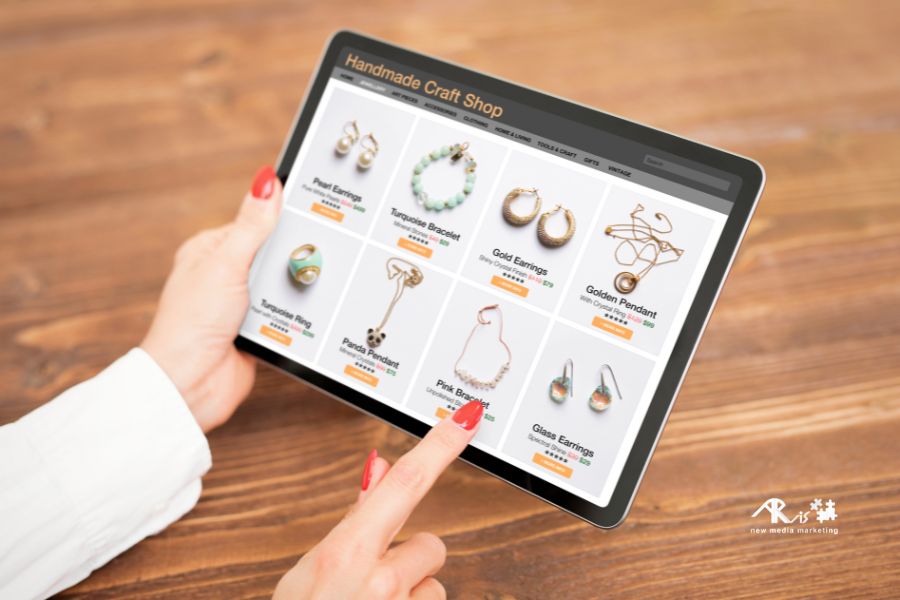
Once the WhatsApp Business app is installed, you move on to creating the account. The app profile allows companies to add an image, the opening or working hours during which they can be reached, the website, the e-commerce store or the physical address of the business. In this sense, it therefore works like a classic social network. Within the app it is also possible to create a product catalog to showcase: the catalog can include images, prices and links to the website, and each catalog can be sent via link.
Other useful tools are labels for conversations and for customers, as well as links and QR codes.
Labels, which are created from the settings, help keep the various customer chats organized. In practice, using different labels with different colors allows you to find chats and messages immediately and easily.
The advantages of QR codes are now well known: just scan it to receive all the information. In the case of WhatsApp Business, it is used to quickly send contact information to customers.
We always recommend that our clients install and configure WhatsApp Business.
If you want to know more about how to improve the user experience of your online channels, contact us for a consultation.
Related service: discover Social Media Management by ARvis — the agency that scales with you.